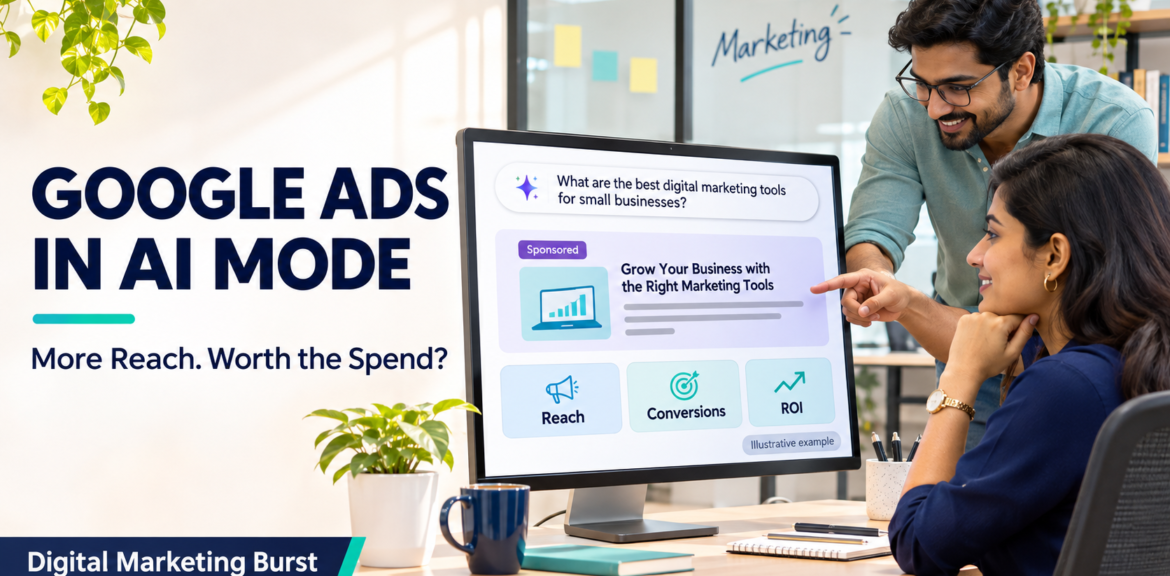

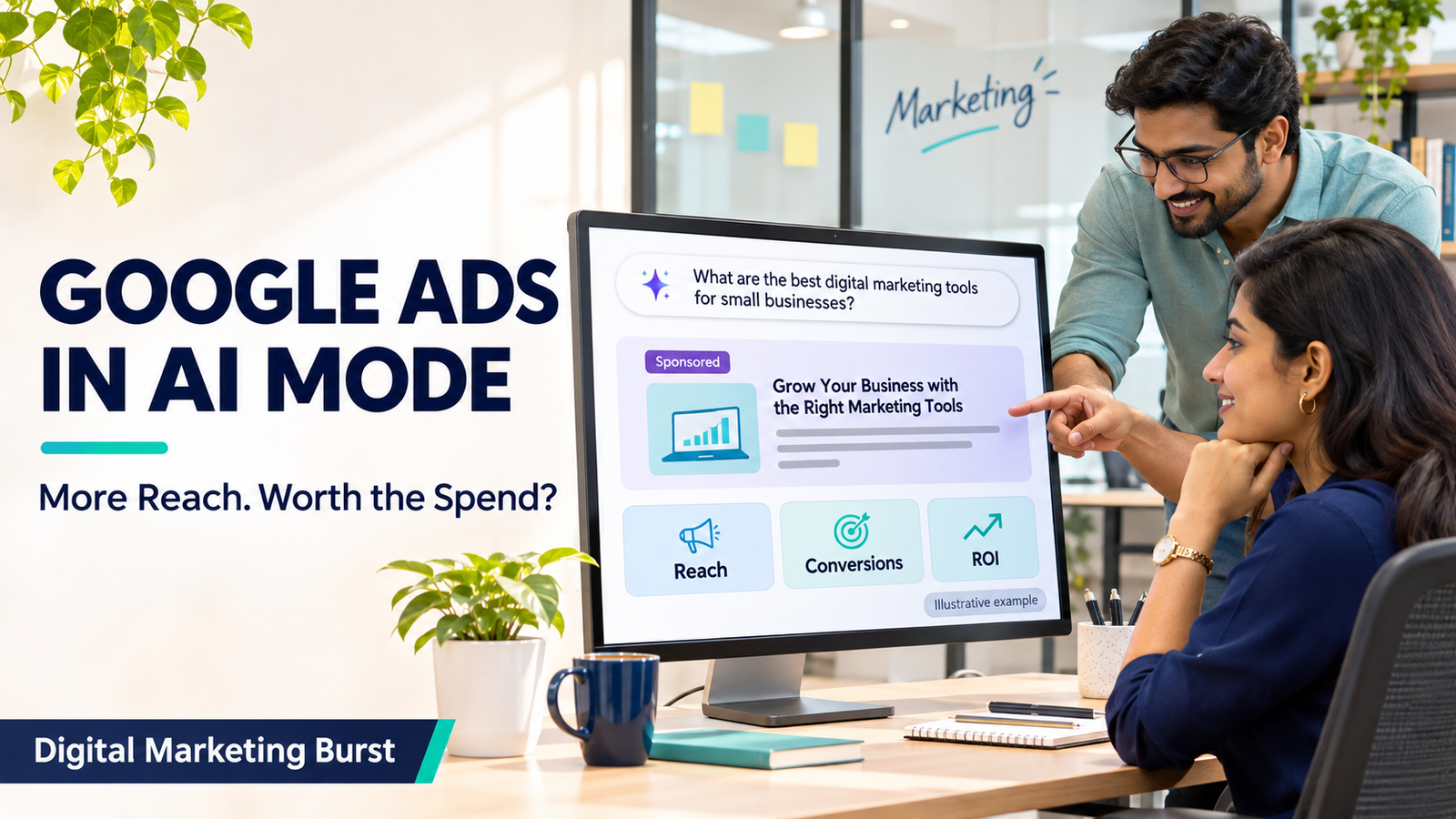
Google Ads in AI Mode: More Reach, but Is It Worth the Spend?
Google Ads in AI Mode: More Reach, but Is It Worth the Spend?
Google Ads in AI Mode can appear as sponsored results when someone’s search or conversation points towards a relevant product or service. Google announced the expansion of AI Mode ads to India in October 2026, and its Help documentation lists English for ads within AI Mode in India. Eligible existing campaigns can enter the auction. There is no separate AI Mode campaign or budget to set up. Google Ads Help
The opportunity is to reach a buyer while they are still deciding what they need. The limitation is measurement: Google includes AI Mode performance in aggregate campaign reporting, so a rise in clicks or sales does not tell you how much came from AI Mode itself. A better question is whether the broader mix of searches brings enough suitable customers to justify what you spend. Google Ads Help
Product details checked on 11 November 2026.
| Question | Practical answer |
|---|---|
| Are AI Mode ads available in India? | Google lists India among eligible markets and English as the supported language for ads within AI Mode. |
| Do I need a new campaign? | No. Eligible Search, Shopping and Performance Max campaigns can participate. |
| Can I buy or block AI Mode separately? | Google currently offers neither exclusive targeting nor a separate opt-out for this placement. |
| Does it cost extra to enter? | There is no separate participation charge. Actual costs still depend on the auction and your campaign. |
| Can I see AI Mode ROI on its own? | Standard reports aggregate the placement’s results. A campaign ROAS figure cannot tell you the standalone return from AI Mode. |
Google’s guidance on ads in AI-powered Search experiences documents the current eligibility, controls, billing and reporting. Google Ads Help
How do ads work in Google AI Mode?
A person opens AI Mode and asks a question. The response may help them understand a problem, compare options or narrow down a purchase. When Google identifies a relevant commercial opportunity, an eligible ad can appear within or alongside the response, marked Sponsored. Buying an ad does not change the organic answer. Google Ads Help
For an advertiser, the distinction that matters is what makes the ad relevant. Sometimes the original query makes the commercial intent obvious. In other cases, a product or service becomes relevant as the response explains the options.
Direct matching: The search already names the product or service
Consider a hypothetical Bengaluru business that sells compact office furniture. Someone searches:
“Buy a compact standing desk under ₹20,000 in Bengaluru.”
The query gives the advertiser several useful clues: the product, a budget and a location. A relevant page might show compact desks in the stated price range, with dimensions, stock and delivery information. Sending the person to a generic furniture homepage would leave them to do the comparison again.
Google describes this as direct query matching. Exact and phrase match Search keywords can be eligible when the query expresses clear commercial intent, subject to the normal conditions for serving an ad. Google Ads Help
Contextual matching: The search starts with a problem
Now consider a different question:
“My work desk has room for only one screen. How can I use a laptop and an external monitor without losing writing space?”
The person has not asked to buy anything. They might rearrange what they already own. But if the response discusses a monitor arm or a laptop stand as a possible solution, a relevant product could become useful at that point.
In Google’s description of contextual matching, the query and the AI response can both inform which ads are relevant. Broad match on Search, AI Max for Search, Shopping and Performance Max can be eligible for contextual matching. Exact and phrase match keywords do not qualify for that broader contextual matching simply because the response mentions a product. Google Ads Help
The business example is illustrative; it does not predict what Google will show for that query. It shows how the same retailer could meet two different needs. The first person needs help finding a desk they can buy. The second needs help deciding whether a product is necessary at all.
Where campaign eligibility ends
An eligible campaign is able to participate when the opportunity fits. Eligibility does not tell you that your ad ran, how often it ran or how prominently it appeared.
Consider a merchant whose product listing is eligible, but whose item is out of stock or whose advertised offer is no longer accurate. The useful first task is to correct the underlying campaign or product information. An AI Mode rollout does not give the business a reason to pay for traffic to a page that cannot serve the customer.
The same principle applies to services. If you install a product only in selected locations, the campaign and landing page should make that coverage clear. A longer query can reveal that a customer is a good fit, but your campaign needs equally specific information about what the business can deliver.
AI Mode, AI Overviews and AI Max: What is the difference?
The names are similar, but they describe different things. A business owner might say, “We enabled AI, so are we now advertising in AI Mode?” To answer, first establish what they enabled and what they are trying to measure.
| Term | What it refers to | What it means for the advertiser |
|---|---|---|
| Google AI Mode | A conversational Search experience where people can ask questions and follow up | A place where eligible sponsored results can appear |
| AI Overviews | AI-generated summaries on the main Search results page | A different Search experience; ads can appear in or around an Overview under the relevant rules |
| AI Max for Search | A set of targeting and creative features for Search campaigns | A campaign setting that can change how Search ads match and serve; its performance reports are not an AI Mode placement report |
Google documents AI Max as a campaign feature and provides separate documentation on where ads can appear in AI-powered Search experiences. Google Ads Help
This distinction affects what you can claim about a test. Suppose you enable AI Max in a Search campaign and qualified enquiries improve. You can investigate whether the campaign change helped. You cannot attribute the improvement to AI Mode simply because both names contain “AI.” More relevant matching, different landing pages or other changes in the campaign could be involved.
The reverse is also true: leaving AI Max off does not, by itself, exclude your campaign from AI Mode. Google describes direct matching and multiple eligible campaign types. Choose campaign settings based on the traffic you want to reach and the controls you need, rather than treating one setting as a switch for the placement. Google Ads Help
How Google Ads can reach buyers earlier in their research
Upper-funnel Google Ads reach people who are learning about a problem or comparing possible solutions. They can be commercially relevant even when the next step is checking a specification, discussing a shortlist or asking for a quote rather than making an immediate purchase.
Take a hypothetical supplier that sells barcode inventory systems to small distributors in India. Here are four searches that business might encounter:
| Example search | What the person may need | What the landing page should clarify |
|---|---|---|
| “How to stop stock mismatches between two warehouses” | A way to diagnose the problem | Which workflows can help and when software may be useful |
| “Barcode inventory software for two warehouses” | A shortlist of products | Multi-location support, hardware requirements and implementation scope |
| “Barcode inventory software with Tally integration price” | A comparison based on a specific requirement | Whether the integration is supported, how it works and what affects the quote |
| “Free barcode labels printable PDF” | A download or a do-it-yourself resource | If the business does not provide that resource, examine whether paying for this traffic makes sense |
These are examples of search intent, not a list of placements or queries guaranteed to trigger an ad.
One mistake is to classify every long question as low intent. A detailed query about integration, stock volume and pricing may come from someone who has already identified a need. A short query such as “inventory software” could come from a student or a buyer. Look for the decision implied by the query, not the number of words.
Separate a relevant researcher from an unsuitable prospect
A person may be a strong potential customer without being ready to purchase this week. A different visitor may want to buy immediately, but need a product you do not sell or delivery to a location you cannot serve. Those are different problems and call for different responses.
For a commercial water-treatment supplier, for example:
- Relevant but early: A factory manager is trying to understand what specifications to collect before asking for a quote.
- Relevant and ready to act: A facilities team needs an installation proposal for a site within your service area.
- Outside the offer: Someone is looking for a household purifier repair, which the supplier does not provide.
The first visitor may benefit from a page that explains what details are needed for an assessment. The second needs a clear route to a quotation. The third is a reason to inspect search terms, ad copy or targeting rather than assuming more follow-up will turn the enquiry into a fit.
When you review Google Ads lead quality, record why an enquiry did not progress. “Still comparing” and “outside our service area” should not go into the same bucket. The former helps you understand the buying cycle; the latter tells you where spending or messaging may need to change.
Give the research visitor enough information to take the next step
If an ad reaches someone while they are comparing solutions, the page should carry that comparison forward. A useful landing page answers the questions that would otherwise force the visitor to call just to find out whether the offer applies to them.
For a retailer, that may mean dimensions, installation requirements and the delivery area. For a service business, it might mean what the service includes, who it is for and what information the customer needs to request a quote.
The next step should match what the page promises. A product compatibility page can invite the reader to check a model number. A consultation page can explain what happens after someone submits their details. A visitor who only reads those details may still be useful to the business later, but a page view should not be reported as if it were a sale.
What does “AI Mode pays less” actually mean?
There are three different claims that can hide behind that phrase:
| Possible meaning | The question it answers | What it does not establish |
|---|---|---|
| Google earns less per search | How effectively Google monetises a Search experience | Whether your business earns a better return on its ad spend |
| Advertisers pay less per click | Whether the price of a click is lower in the comparison | Whether those clicks generate enough qualified leads or sales |
| Advertisers earn less from the spend | Whether the acquired business is worth less relative to its cost | Why the result changed, or whether AI Mode caused it |
Do not use one of these claims as proof of another. A cheaper click can still cost more per sale if fewer visitors buy. A more expensive click can be worth paying for if it brings a customer who fits the offer. Likewise, a report about Google’s ad revenue cannot tell an Indian retailer whether its own campaign is profitable.
Google says there is no extra charge to participate in AI Mode ads. That is a statement about billing, not a promise of cheaper clicks or better returns. Without separate placement reporting, you also cannot take a campaign’s average CPC and present it as the CPC for AI Mode alone. Google Ads Help
A simple example: Cheaper traffic can still cost more per sale
Suppose two campaigns spend the same amount. The numbers below are illustrative, and neither campaign represents an isolated AI Mode placement.
| Metric | Campaign A | Campaign B |
|---|---|---|
| Ad spend | ₹20,000 | ₹20,000 |
| Clicks | 400 | 800 |
| Average CPC | ₹50 | ₹25 |
| Completed sales | 10 | 5 |
| Ad spend per sale | ₹2,000 | ₹4,000 |
Campaign B buys twice as many clicks at half the average cost per click, yet it costs twice as much to acquire a sale. If both campaigns sell the same product on the same terms, the cheaper traffic alone is no reason to move more budget to Campaign B.
Before acting, check whether the figures cover a comparable period and whether recent leads have had time to close. If Campaign B brought in more prospects who need a quotation before buying, some sales might appear later. If those visitors mostly wanted something the company cannot offer, waiting longer is unlikely to fix the mismatch. The next step depends on what happened after the click.
What should an Indian advertiser check first?
Start with the ads and pages you already use. These three checks will help you judge whether broader reach is useful before you spend more on it.
- Name one research question your business can answer well. Use a question real customers ask while choosing a product or service. For a seller of compact desks, that might be how to check whether a desk fits a small room and supports a monitor arm.
- Choose the page that can answer it. Check whether the page gives the buyer the specifications, availability or service conditions they need. If someone arrives at a generic homepage and must start over, fix the destination before trying to attract more visits.
- Decide which outcome will justify the spend. A direct-to-consumer retailer might use completed orders and contribution after costs. A business that sells through quotations might use qualified enquiries and eventual sales. Keep earlier actions as supporting signals so you can see where people stop progressing.
How to measure AI Mode ad performance without a separate placement report
Start with what Google Ads actually reports. AI Mode impressions, clicks, costs and conversions are included in standard campaign totals. Search terms associated with AI-powered placements are also reported in aggregate. That gives you campaign data you can use, but it does not give you a standalone AI Mode cost per acquisition or return on ad spend. support.google.com
Suppose you run Search campaigns for a modular kitchen company in Pune. This month, impressions rise and average CPC falls. The sales team also reports more enquiries about renovation budgets. You can investigate whether the campaign is reaching more people who are comparing options. You cannot conclude that those people saw an ad in AI Mode, or that AI Mode caused the change.
Keep three questions separate when preparing a report:
| Question | What you can use | What to avoid claiming |
|---|---|---|
| Did the campaign reach more people? | Campaign impressions and clicks, compared over suitable periods | That every additional impression came from AI Mode |
| Did we pay for more research-stage searches? | Visible search terms, landing pages and spend by query theme | That conversational wording identifies the placement |
| Did the additional activity help the business? | Qualified enquiries, orders, costs and outcomes from the same group of prospects | That campaign-level results show the standalone return from AI Mode |
A useful report might say: “We observed more clicks on comparison-oriented searches. Qualified enquiries did not increase over the period reviewed. The available reports do not isolate AI Mode.” That gives the team something to investigate without turning a placement hypothesis into a finding.
Audit search terms for intent and fit
Open the Google Ads search terms report for the campaigns you want to review. A search term is what someone actually entered; a keyword is one of the inputs an advertiser can use for targeting. The report does not show every search, because Google omits some low-activity terms for privacy. Use it to examine visible patterns, rather than treating the export as a complete record. Google Ads Help
1. Sort visible terms by the task the buyer is trying to complete
For a hypothetical manufacturer that sells packaging machines, the following terms call for different responses:
| Example search term | Likely task | What to check |
|---|---|---|
| “How to pack spices without moisture entering the pouch” | Diagnose a packaging problem | Does the landing page explain options, and are these visitors in the market the company serves? |
| “Continuous band sealer for spice pouches” | Compare a specific equipment type | Does the page show suitable materials, pouch sizes and machine specifications? |
| “Band sealer machine quotation for 500 pouches per hour” | Ask for a quote against a clear requirement | Can the sales team confirm capacity and respond with a relevant quote? |
| “How to repair a home vacuum sealer” | Fix a different product | If the company offers no such service, review whether the term should be excluded. |
Add a column for commercial fit as well as intent. “Researching” and “wrong audience” are not the same category. A distributor comparing machines for a future purchase may be useful. A person looking for repairs the company does not provide is unlikely to become a suitable prospect.
2. Check where each query group lands
Take several terms from the groups that account for meaningful visible spend. Open the corresponding landing pages and ask what the visitor can learn in the first visit.
Imagine an ad matches searches about setting up a packing line in a small factory. If the destination is a page about one expensive machine, the reader may still need to know which pouch materials it handles, what space it requires and whether the business offers installation. A page that explains those choices may help the right buyer move forward. If the machine is unsuitable for a small operation, saying so clearly can save both the visitor and the sales team time.
When reviewing AI Max reporting, Google documents views that can help you inspect search terms and the ad or landing-page combinations associated with them. Use those views to check campaign matching and URL selection. They are not a separate AI Mode placement report. support.google.com
3. Choose the correction that matches the problem
Different findings call for different actions:
- Wrong need: Consider a negative keyword where the term is consistently outside the offer. Check that the exclusion will not also block suitable variations.
- Right need, wrong page: Review the page or URL selection. A customer asking about technical compatibility may need a different page from someone ready to request a quote.
- Right need, weak next step: Make the page’s next action clearer. Tell the customer what information to submit and what the business will do with it.
- Suitable prospects, incomplete sales data: Fix the follow-up or recording process before deciding whether the queries are profitable.
Keep a dated note of what changed. If you edit targeting, replace the landing page and change your pricing at the same time, the next report will be harder to interpret.
How to set up Google Ads conversion tracking for meaningful results
A conversion action should represent an event you can explain in plain language. “The customer submitted a valid quotation request” is a useful definition. “The customer clicked near the form” describes something else, even if both events appear as conversions in a dashboard.
Before creating a new action, list what the account already tracks. Check whether the same purchase or form submission is being sent through a Google Ads tag and a GA4 import as separate actions. If both are used for the same campaign’s bidding, the account may be optimising towards two records of one outcome.
Step 1: Choose the action you want to measure
The correct action depends on how you sell:
| Business model | Useful outcome to measure | Supporting activity to track separately |
|---|---|---|
| Online retailer | A completed order with the correct purchase value and order ID | Product views, add-to-cart actions and checkout starts |
| Local service business | A confirmed enquiry, followed by a qualified lead or booked job where measurable | Phone-link clicks and visits to the contact page |
| B2B supplier | A qualified opportunity or eventual sale, where the process can reliably send that outcome back | Brochure downloads, form starts and general questions |
Be precise about the difference between an action you can track and the outcome you want the campaign to optimise towards. A WhatsApp button click may be useful for diagnosing interest. It does not establish that the person sent a message, that your team replied or that the prospect was suitable.
Step 2: Connect the website and create the action
In Google Ads, open Goals → Summary and choose Create conversion action. Select website conversions and follow the prompts to connect a Google tag or an existing GA4 property. Then create the action with the relevant category and implementation method. Use the current Google Ads website conversion setup instructions for the screens and options available in your account. Google Ads Help
For a quotation form, trigger the event only after the site confirms that it received the submission. For ecommerce, send the actual order value and a unique, dynamic transaction ID. Google documents transaction IDs as a way to reduce duplicate purchase conversions, such as when a confirmation page reloads. Google Ads Help
Step 3: Check which actions influence bidding
Review the campaign’s conversion goals alongside the action’s settings. Google describes primary actions as intended for reporting and bidding optimisation and secondary actions as intended for observation in the standard setup. Check the actual goal configuration rather than assuming that changing a label alone will fix what a campaign uses. Google Ads Help
For a service business, that review might uncover a form submission, a click-to-call action and an imported qualified lead all sitting together. Ask whether they represent three separate outcomes or three steps that can happen to the same person. If they are steps in one journey, report them as stages. Do not add them together and call the total “new customers.”
Step 4: Test successful and unsuccessful journeys
Use a test submission or order to check that the event matches the real outcome. Then test the cases where nothing should be counted.
| Test | Expected behaviour |
|---|---|
| Submit a valid form | The action fires after confirmation, and the enquiry reaches the business |
| Submit an invalid form | No successful lead action fires |
| Refresh an order confirmation page | The same order does not become a second purchase |
| Place another order | The new order has its own transaction ID and value |
| Click a WhatsApp or phone link without continuing | Only the click is recorded, if tracked; it is not treated as a completed conversation |
Check the conversion action’s status in Google Ads after implementation. If your sales team does not receive the test enquiry, investigate that first. An event that fires correctly but leaves a customer without a response is still a problem for the business. Google Ads Help
Follow leads far enough to judge the spend
A spreadsheet or CRM can reveal what the campaign report cannot. At a minimum, record when the enquiry arrived, which campaign you can reliably associate with it, whether it matched your offer and what happened next. Use clear stages such as new, contacted, qualified, quoted, won and lost. If you cannot identify a campaign or outcome reliably, leave it unknown.
Keep the date of the enquiry separate from the date of the sale
Consider a hypothetical Jaipur company selling commercial refrigeration units. A customer enquires in September, receives a quote in October and pays a deposit in November. If the company compares September’s campaign spend only with deals closed during September, it may miss the value of that enquiry. If it credits every November sale to November’s spend, it creates a different mismatch.
For a campaign review, group leads by when they entered the pipeline and give them a reasonable time to progress. A report can show older groups with more complete outcomes and mark newer ones as provisional. Google’s conversion lag guidance explains why attributed results can arrive after the ad interaction. Your own CRM records can help you understand how long a meaningful business outcome usually takes. Google Ads Help
Consider offline measurement when it answers a real question
If you can reliably distinguish valid enquiries from qualified leads and sales, consider whether sending appropriate offline outcomes back to Google Ads would improve measurement. Google’s enhanced conversions guidance explains how eligible first-party data can supplement existing conversion measurement. Confirm that your data collection, permissions and setup meet applicable requirements and Google’s terms before enabling it. Google Ads Help
Start with the business process. If the sales team marks almost every lead as qualified, importing that label will not improve your understanding of which enquiries were actually useful. A short, consistently applied definition of a qualified lead is worth more than a complicated import based on inconsistent records.
Test a campaign change you can actually measure
Since AI Mode cannot be targeted or excluded on its own, frame your test around an action you control. Google documents AI Max experiments for eligible Search campaigns, which can compare a treatment with the existing campaign setup. That can help answer whether the selected campaign change improved the measured outcome. It does not compare AI Mode against standard Search, because neither arm is defined by an isolated placement. Google Ads Help
Write down the decision before starting the test
Suppose an Ahmedabad supplier wants to reach more businesses researching warehouse equipment. Its test brief could read:
Question: Does expanding search matching generate more qualified quotation requests at a cost the business can accept?
Primary measure: Cost per qualified quotation request.
Supporting measures: Visible search themes, landing-page relevance and total qualified enquiries.
Guardrail: Monitor spend on enquiries outside the delivery area or unrelated to the equipment sold.
Review point: Judge the result after the tested leads have had time to be contacted and assessed.
Keep the offer, qualification rules and follow-up process consistent where possible. Note unusual changes such as a stock shortage, a festival promotion or a period when the sales team could not respond promptly. Those events can change the outcome without telling you much about the targeting change.
Report what the evidence supports
If qualified enquiries increase and the cost per qualified lead remains acceptable, you have a reason to consider keeping the campaign change. If clicks rise but too few enquiries have been assessed, report the result as pending, with a date for review. If spend grows and the sales team confirms that many new contacts are outside the offer, inspect the queries and landing pages before expanding further.
The distinction is simple: a campaign experiment can show whether a setting helped your business under the test conditions. It cannot tell you how much of the effect came from AI Mode without placement-level evidence. That limit still leaves you with a useful decision about where to spend the next rupee.
How to calculate Google Search Ads ROI
Start with the sales associated with the campaign, then subtract what it cost to fulfil those sales and acquire those customers. A campaign can report a strong return on ad spend while leaving the business with little or no profit.
Google Ads defines ROAS using conversion value divided by ad spend. If you send revenue as conversion value, ROAS shows attributed revenue per rupee of ad spend. If you assign estimated values to leads or send another value, the same column reflects those inputs. Before calling the figure “sales revenue,” check what your account actually sends to Google. Google Ads Help
| Metric | Calculation | What it tells you |
|---|---|---|
| Revenue-based ROAS | Attributed revenue ÷ ad spend | How much attributed revenue the campaign reports per rupee of ad spend |
| Contribution before ads | Net sales revenue − relevant variable fulfilment costs | How much is available to cover advertising and other costs |
| Contribution after ads | Contribution before ads − ad spend | What remains from those sales after the included costs |
| ROI on included costs | Contribution after ads ÷ total included costs × 100 | The return relative to the costs counted in the calculation |
Be consistent about what you include. If one comparison uses completed sales after refunds and another uses the value recorded at checkout, the two figures answer different questions. Likewise, a contribution figure that excludes salaries, rent or agency fees should not be labelled total business profit. Google’s own ROI guidance distinguishes revenue from the costs of generating it. Google Ads Help
Example: A 4× ROAS can still lose money
Imagine an online retailer selling kitchen storage products. The figures are illustrative and do not represent a real campaign.
| Item | Amount |
|---|---|
| Net sales revenue associated with the campaign | ₹2,00,000 |
| Product, packing, delivery and other included variable costs | ₹1,60,000 |
| Contribution before ads | ₹40,000 |
| Google Ads spend | ₹50,000 |
| Contribution after ads | −₹10,000 |
Revenue-based ROAS is 4×: ₹2,00,000 divided by ₹50,000. The included costs total ₹2,10,000, so ROI on those costs is approximately −4.8%. The campaign reports four rupees in revenue for every rupee spent on ads, but the business still loses money on the sales in this example before any excluded overhead.
This matters when broader matching changes the product mix. A retailer may acquire more orders but sell a higher proportion of heavily discounted products. Review the contribution from what customers actually bought, rather than applying the store’s overall average margin to every order.
Calculate a break-even ROAS for the products you advertise
If your contribution margin before ads is 20% of net sales revenue, every ₹100 of revenue leaves ₹20 available to cover advertising. The simplified break-even revenue ROAS is:
1 ÷ 0.20 = 5×, or 500%.
At that level, the included sales contribution covers the ad spend. It does not leave a surplus for costs you excluded or for your profit target.
For a mixed catalogue, calculate the threshold for meaningful product groups. A higher-margin accessory and a low-margin appliance may need different ROAS targets even if they have similar selling prices. If a campaign shifts towards lower-margin products, a stable headline ROAS can hide a weaker result.
What is a qualified lead worth to your business?
For businesses that sell through calls, visits or quotations, the useful number is often what you can afford to pay for a qualified lead. Start with the contribution from a completed sale before advertising. Multiply it by the share of qualified leads that usually turn into sales, using a set of leads that has had enough time to close.
Suppose a Lucknow business earns ₹12,000 in contribution before ads on a completed job. In this hypothetical example, one in five qualified enquiries becomes a customer.
Simplified break-even cost per qualified lead: ₹12,000 × 20% = ₹2,400.
The business would usually set a working ceiling below ₹2,400 if it wants to cover additional sales costs or retain a margin. If the close rate falls to 10%, the same calculation gives ₹1,200. That is why a new group of enquiries should not inherit the old lead target automatically. Buyers who are still comparing may take longer to convert, and some may close at a different rate even after they have had enough time.
Compare lead quality before comparing lead prices
Imagine these two sets of leads from a business’s paid search campaigns:
| Metric | Earlier group | Later group |
|---|---|---|
| Ad spend | ₹30,000 | ₹30,000 |
| Enquiries | 60 | 100 |
| Qualified enquiries | 30 | 20 |
| Cost per enquiry | ₹500 | ₹300 |
| Cost per qualified enquiry | ₹1,000 | ₹1,500 |
The later group looks better if the report stops at enquiry cost. It looks worse when the business measures what it can actually use. Before reducing the budget, check that both groups had enough time to be contacted and that the same qualification rules were applied. Then examine the reasons for disqualification. An increase in requests outside the service area points to a different fix from a delay in responding to enquiries.
A useful review keeps four figures together: total spend, qualified enquiries, cost per qualified enquiry and completed sales. Mark newer leads as provisional where appropriate. Keep the account’s reported conversions alongside these figures so you can spot when the dashboard and the sales process are describing different things.
Is the extra reach worth the next rupee?
The average return tells you how the existing budget performed. A budget increase raises a different question: What did the additional spend buy? The answer can differ from the account’s average, especially if the extra spend brings in a different mix of searches.
Consider a hypothetical campaign. Spend rises from ₹60,000 to ₹80,000, while the contribution before ads associated with its sales rises from ₹90,000 to ₹1,05,000. After ads, contribution falls from ₹30,000 to ₹25,000. The later period is still positive on the included costs, but the extra ₹20,000 in spend was accompanied by only ₹15,000 in additional contribution.
That comparison is a signal to investigate, not proof that the budget increase caused the decline. A change in prices, stock, promotions or sales follow-up could also explain the difference. And because standard reporting combines placements, the figures do not tell you whether AI Mode caused any part of it. support.google.com
Decide what to change based on the evidence
| What you observe | What to do next |
|---|---|
| Spend rises, qualified outcomes improve and contribution remains acceptable | Consider a measured budget increase. Check the next group of outcomes separately. |
| Research-stage clicks rise, but many leads are still waiting for a quote | Keep the result provisional and set a review date based on the buying cycle. |
| More enquiries come from people outside your delivery area or service scope | Review visible search terms, location settings, exclusions and the offer described on the page. |
| Suitable people click, but too few can complete the next step | Test the landing page, form and response process before buying more traffic. |
| Campaign ROAS looks healthy, but actual contribution falls | Reconcile order values, refunds, discounts and product costs before increasing spend. |
| Someone asks for a standalone AI Mode ROI figure | Report the campaign-level result and explain the placement reporting limitation. |
A worthwhile test has a review date and an explicit decision. For example: “After these enquiries have had time to progress, we’ll keep the change if we have more qualified quotation requests within our cost ceiling. If we have more clicks but no improvement in suitable enquiries, we’ll review matching and landing pages before spending more.” This gives the team a decision it can make with the available data.
Why Choose Digital Marketing Burst for Google Ads in Lucknow?
If you’re looking for the best Google Ads agency in Lucknow or comparing top Google Ads agencies in India, ask each team one question: How will you tell whether extra reach is bringing us more customers? A useful answer should explain which searches you’re paying for, what counts as a conversion and how leads or orders will be checked against the money spent.
Digital Marketing Burst is a Lucknow-based digital marketing agency offering Google Ads, website and analytics services. Whether you need a Google Ads campaign audit in Lucknow, help with conversion tracking for a lead-generation campaign, or a paid search strategy for an Indian ecommerce business, start with the decision you need to make. You might want to know whether broader matching is bringing in suitable customers, whether the account counts the same action twice, or whether a campaign deserves more budget.
For Google Ads in AI Mode, the review can focus on what your business can verify: campaign search terms, landing pages, qualified enquiries, sales and costs. Google’s current reporting does not support a standalone AI Mode ROI figure, but you can still use the campaign data to decide what to fix, test or scale. support.google.com
Discuss your Google Ads campaign with Digital Marketing Burst. Share your campaign goal and the outcome you want to improve, such as qualified enquiries, completed orders or cost per customer.
Is Google Ads in AI Mode worth the spend?
It can be worth reaching people earlier if that extra reach brings customers your business can serve at a cost you can sustain. Start by checking what the account counts, then follow the enquiries and orders far enough to see their value. If the numbers support a budget change, make it at the campaign level and review the next set of outcomes. Until Google reports AI Mode separately, describe the result for what it is: evidence about your campaign and the change you tested.