






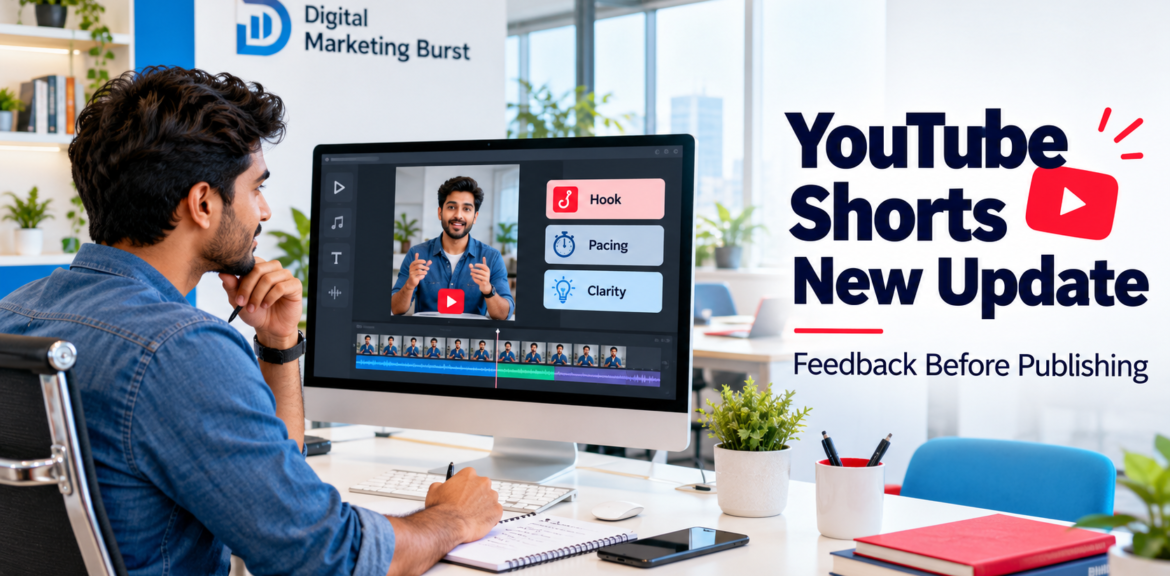

YouTube Gives You Feedback on Shorts Before Publishing: What Creators Need to Know in 2026
The YouTube Shorts new update introduces a review opportunity before your video goes live. YouTube’s official mobile creation guide now includes a Get feedback button that analyses a Short’s opening hook, pacing and other elements during the publishing process. support.google.com
For creators and businesses, this creates a useful moment to reconsider the draft. Does the opening explain why someone should watch? Can viewers follow the demonstration? Have you included information that needs correcting?
This guide explains how to find the feature, what Indian creators should check and how to turn feedback into practical editing decisions.
Information checked on 9 October 2026. Availability and interface labels may change.
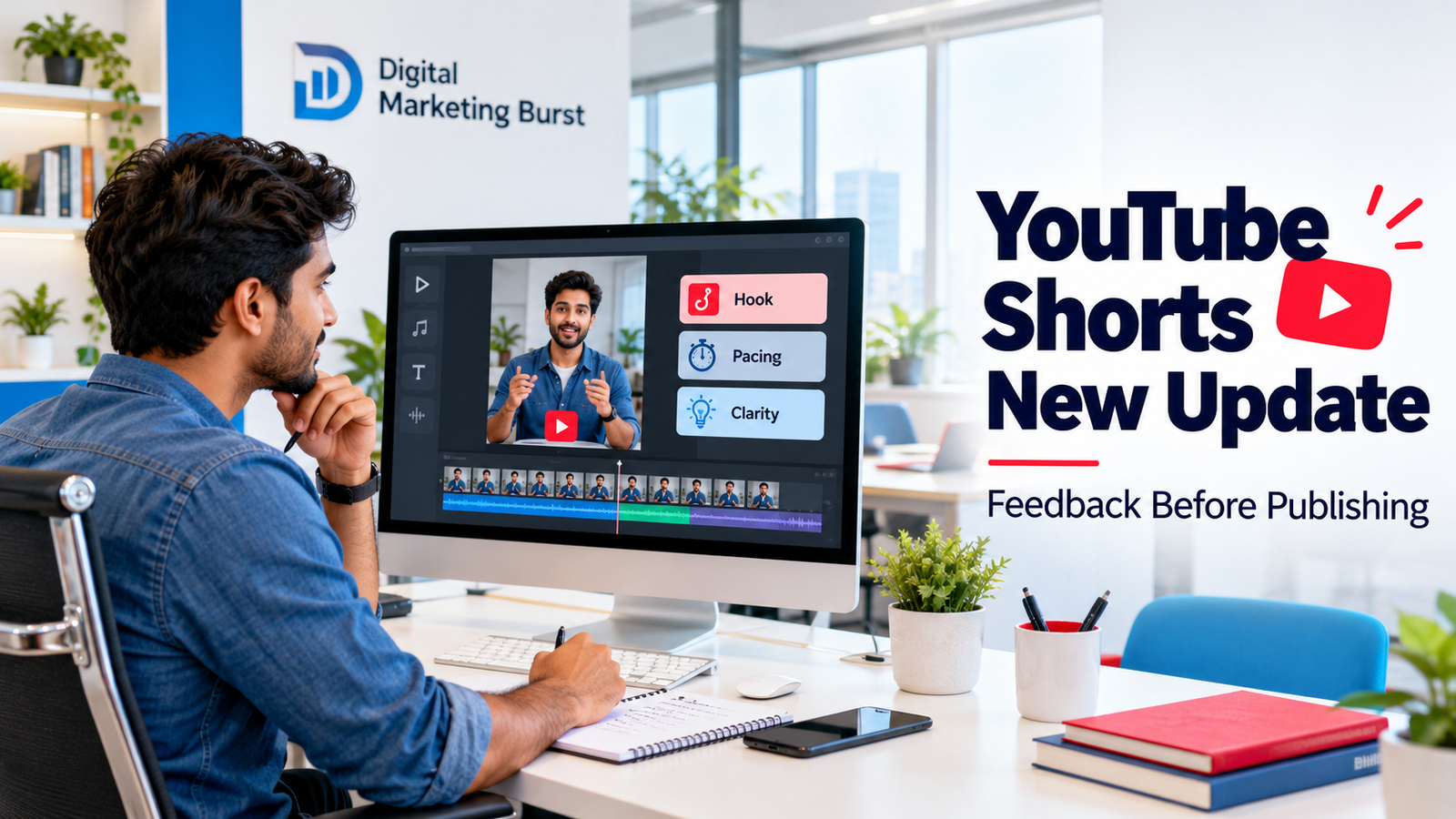
What Does the YouTube Shorts New Update Do?
The YouTube Shorts feedback feature adds an analysis step before publication. YouTube places Get feedback on the screen where creators add their video details, and its documentation identifies the hook and pacing among the elements reviewed. support.google.com
A hook is the opening sentence, visual or question that establishes a reason to continue watching. Pacing describes how the explanation progresses through speech, pauses, demonstrations and changes of scene.
Consider a product video that starts with a long greeting. Viewers might not see the product or understand its purpose until much later. Reviewing that opening gives the creator an opportunity to start with the demonstration instead.
Feedback should lead to a considered decision. A tutorial may need extra time around an important step, while a short announcement may benefit from removing a repeated introduction.
Is YouTube Shorts Get Feedback Available in India?
The official sources reviewed do not confirm availability for every Indian account.
YouTube’s Help page documents the button, but the reviewed instructions do not establish a complete India rollout. Check the publishing screen in your own account before planning a workflow around it.
YouTube Labs also lists VibeCheck, a related experiment providing feedback on hooks, pacing and lighting. Its page invites US-based participants. That information should not be treated as confirmation that Indian creators have access to Get feedback or VibeCheck. labs.youtube
For Indian businesses and agencies:
- Check availability separately for each channel.
- Look for the option in the current YouTube mobile app.
- Read any eligibility information displayed.
- Keep a manual review process available when the button is absent.
A missing option alone does not establish a channel penalty or a problem with your content.
How to Find the Get Feedback Button
YouTube’s mobile instructions place the feedback option after the editing stage and before publishing the Short. support.google.com
When the feature appears in your account, follow this process:
- Prepare the video. Record or select your footage and complete the initial edit.
- Preview the Short. Listen to the speech and check the opening.
- Continue to the details screen. Add the title and review the upload settings.
- Select Get feedback. Read the analysis available for your draft.
- Identify useful changes. Consider the intended viewer and purpose of the video.
- Review the revised version. Confirm that your changes preserve the meaning before publication.
Keep the original export until you approve the final version. Comparing both edits can help you decide whether a revision improves the explanation.
Write down a specific change, such as:
“Moved the product demonstration before the greeting so viewers immediately understand the subject.”
That note gives the editor a clearer instruction than “make the video more engaging”.
How to Use Feedback to Improve Your Short
The following suggestions are editorial recommendations. They do not imply that the tool checks every item discussed.
Start With a Clear Viewer Benefit
The opening should establish what the video helps someone understand.
For a hypothetical Lucknow clothing retailer, compare these introductions:
General opening:
“Hello everyone, welcome back to our channel. Today we have something special.”
Specific opening:
“Buying a wedding kurta? Check the shoulder fit before choosing your size.”
The second introduction identifies a useful question. Follow it with footage showing how to check the fit.
Avoid promising an outcome that the video cannot deliver. A precise explanation can attract attention without exaggerated language.
Keep the Pace Easy to Follow
Review the draft for repeated statements, unnecessary pauses and demonstrations that disappear too quickly.
A screen-based tutorial should give viewers enough time to recognise the button being selected. A food video may need a closer, longer shot of the dish instead of several unrelated clips.
Watch the Short once without pausing. Notice where you need more time and where the message stops progressing.
Pacing is successful when viewers can follow the explanation comfortably.
Use Visuals That Answer a Question
Choose supporting footage based on what viewers need to see.
A cab service explaining luggage capacity could show the actual boot space. A retailer discussing fabric could include a close-up of its texture.
For software content, crop the recording around the relevant setting. Small interface details may be difficult to recognise when an entire desktop is squeezed into a vertical frame.
Every added visual should explain, demonstrate or clarify something.
Preserve Important Qualifications
Shortening a sentence can change its meaning.
Suppose a professional says:
“This approach may help in some situations, depending on the underlying cause.”
Removing the qualification creates a broader claim than the speaker intended.
Before approving an edit, check conditions, exceptions, price exclusions and statements of uncertainty. Ask the responsible subject expert to review professional or technical explanations.
Practical Examples for Indian Businesses
These examples illustrate editing decisions; they are not client case studies or measured results.
| Business | Draft issue | Practical revision |
|---|---|---|
| Clothing shop | Long introduction before showing the outfit | Open with a fit question and demonstrate it |
| Restaurant | Dish appears briefly between unrelated clips | Give the dish and relevant details more screen time |
| Cab service | Luggage capacity is described without footage | Show the boot space of the offered vehicle |
| Coaching institute | Multiple course announcements compete for attention | Answer one course question in the Short |
| B2B company | Technical language obscures the explanation | Demonstrate one task using a clear example |
Match the next step to the video’s purpose. An educational Short might direct viewers to a related guide, while a service announcement could provide verified enquiry details.
Does Get Feedback Change the YouTube Shorts Algorithm in 2026?
The reviewed documentation confirms a feedback feature. It does not establish a ranking boost for using it.
YouTube’s official discovery guidance explains that Shorts recommendations consider viewer personalisation and performance. Signals include the proportion choosing to watch, average view duration, average percentage viewed and satisfaction indicators. Topic interest, competition and seasonality also affect exposure. support.google.com
A feature announcement should therefore not automatically be described as a YouTube Shorts algorithm update.
These review methods serve different purposes:
| Review method | What it helps assess |
|---|---|
| Pre-publish feedback | Possible weaknesses while the draft can still be revised |
| Human review | Accuracy, audience suitability and business context |
| Post-publication analysis | How viewers responded to the finished video |
Evaluate an editing decision through audience evidence after publishing. Using the button alone does not demonstrate that the Short will receive more views.
YouTube Shorts Upload Tips When the Feature Is Missing
A manual review can still identify useful improvements.
Define One Question
Complete this sentence:
“After watching this Short, the viewer should understand ______.”
Choose one main question if the draft contains several unrelated subjects.
For topic planning, read our guide to YouTube content research.
Review the Opening Separately
Replay the beginning without relying on the rest of the video.
Check whether the subject is clear and whether the opening promise matches the answer. Replace vague setup with the relevant question or demonstration.
Check Audio and Captions
Listen through a phone speaker. Background music should leave the speech understandable.
Review names, numbers, locations and technical terms manually. Hindi, English and Hinglish captions should preserve the spoken meaning.
Preview on a Phone
Check text size, cropping and important details near interface controls.
Ask someone unfamiliar with the edit:
“What did you understand from this video?”
Their answer can reveal whether the intended message came through.
Confirm Publishing Details
Verify the title, audience settings, visibility, contact information and any displayed offer. Check permissions for included footage and music.
Use a clear filename for the approved export to prevent uploading an earlier version.
What to Measure After Publishing
Begin with the change you made.
If you shortened the introduction, review available retention information and whether viewers continued watching. When you improve a demonstration, check comments for signs that viewers understood the steps.
YouTube retains Engaged views to show how many viewers chose to continue watching. Since 31 March 2025, the broader Shorts view count includes starts and replays without a minimum watch-time requirement, so raw views alone provide an incomplete assessment. support.google.com
For business videos, also consider enquiry relevance, recurring customer questions and whether the next step works correctly.
Compare reasonably similar content. Different topics, durations and audiences can make direct comparisons misleading.
For broader channel planning, explore our YouTube SEO guide.
Common Mistakes With Pre-Publish Feedback
Accepting every suggestion: Consider whether the change suits your audience and preserves the explanation.
Treating feedback as fact-checking: Verify dates, prices and professional information separately.
Adding unnecessary effects: Movement should support understanding rather than distract from it.
Confusing feature names: YouTube Labs describes VibeCheck as an AI coach, but the reviewed sources do not establish that it and Get feedback have identical implementations. labs.youtube
Expecting guaranteed reach: Assess the finished video through actual audience behaviour.
Ignoring business context: Keep the customer’s question and your video’s purpose central to every editing decision.
How Teams Can Manage YouTube Shorts Feedback Before Publishing
When several people work on a Short, feedback needs a clear owner. Otherwise, the editor may receive conflicting instructions from the business owner, marketing manager and person appearing in the video.
A simple approval process can keep revisions focused.
| Responsibility | What to review |
|---|---|
| Content owner | Does the video answer the intended viewer’s question? |
| Editor | Are the pacing, sound, captions and visuals clear? |
| Subject expert | Are the explanation and qualifications accurate? |
| Publishing manager | Is the approved version uploaded with correct details? |
One person can handle several responsibilities in a small business. The important step is to decide who approves the final version.
Separate Required Corrections From Creative Suggestions
Not every comment deserves the same priority.
An incorrect price, misspelt doctor’s name or outdated offer date requires correction. A suggestion to use a different transition is a creative choice.
Organise review notes into three groups:
- Required correction: Something inaccurate, misleading or technically broken.
- Clarity improvement: A change that makes the message easier to understand.
- Creative preference: An optional adjustment to style, music or presentation.
Complete required corrections first. Review clarity improvements against the purpose of the video, then consider creative preferences if they justify the additional editing time.
This prevents a team from spending an hour changing animation styles while overlooking an incorrect appointment number.
Give the Editor a Specific Instruction
“Make it more engaging” leaves the editor guessing.
A useful instruction identifies the location, problem and intended change:
“The opening greeting delays the main question. Start with the customer’s question, then move the introduction after the demonstration.”
For caption issues, write:
“The location text disappears before it can be read. Keep it visible throughout the address explanation.”
Specific notes also make approval easier. The reviewer can check whether the requested change was completed without reopening every creative decision.
Reviewing Hindi, English and Hinglish Shorts
For Indian audiences, language choices should follow the intended viewer and the subject.
A local service explanation may use Hindi speech with familiar English terms. A software tutorial might retain English interface labels while explaining the steps in Hindi.
Review each language element separately:
- Speech: Does the presenter use words the intended viewer understands?
- Captions: Do they accurately represent the spoken meaning?
- Screen labels: Do they match the product, document or interface being shown?
- Call to action: Is the next step clear in the viewer’s preferred language?
Avoid translating a technical term so literally that it becomes harder to understand. Where necessary, explain the term briefly and keep the original label visible.
For example, a tutorial demonstrating “Export” should show that actual button name. The spoken explanation can describe what exporting does.
Check names, addresses and numbers manually. A fluent-looking caption can still contain an error that sends viewers to the wrong location.
How to Test an Editing Idea Without Drawing the Wrong Conclusion
A feedback suggestion can become a useful hypothesis for future videos.
Suppose you believe that showing the product earlier will make your demonstrations clearer. Record that idea before publishing:
“For upcoming product demonstrations, show the item and the problem it solves before introducing the shop.”
Apply the approach to a small group of relevant videos. Keep notes on the topic, duration, language, opening and available performance information.
Change one major element at a time where practical. If you simultaneously replace the topic, presenter, opening and format, it becomes difficult to understand which decision mattered.
Compare Similar Videos Carefully
Two Shorts are rarely identical tests.
A wedding-season outfit video and an everyday clothing-care tip may attract different audiences. A festive offer also has a different purpose from an educational demonstration.
Use comparisons to guide decisions, while acknowledging those differences. A stronger result on one upload does not prove that a particular edit will work across every topic.
Avoid repeatedly uploading near-identical versions simply to chase a better outcome. Use what you learn to improve the next relevant video.
When a Short Needs a New Script Instead of Another Edit
Some weaknesses begin before filming.
If a draft tries to explain several services, answer unrelated questions and promote an offer at the same time, trimming pauses may not solve the underlying problem.
Return to the script when:
- The opening promises something the video never delivers.
- Important context is missing from the recording.
- The explanation depends on footage you do not have.
- Removing repetition still leaves several competing messages.
Write one clear viewer question, outline the answer and identify the visual evidence needed. Reshooting a focused explanation can be more useful than repeatedly polishing an unfocused draft.
Worked for 4m 9s
Ye Part 3 isi article mein Part 2 ke baad add karein. Pehle diya hua conclusion replace karke neeche wala final conclusion use karein.
Turning Shorts Feedback Into a Reusable Production Brief
Feedback becomes more useful when it informs the next recording. If an editor repeatedly needs to explain what a product looks like, the filming brief should include that shot from the beginning.
Use a short production brief with five fields:
| Brief field | What to write |
|---|---|
| Intended viewer | Who needs this information? |
| Viewer’s question | What specific question will the Short answer? |
| Opening | Which sentence or shot introduces that question? |
| Supporting footage | What must viewers see to understand the answer? |
| Next step | What should an interested viewer do afterwards? |
For a hypothetical cab-service video, the brief could look like this:
- Viewer: A family arranging an airport pickup.
- Question: What information should they share when requesting a quote?
- Opening: “Booking an airport pickup? Keep these details ready.”
- Footage: A simple checklist showing arrival date, flight details, destination, passengers and luggage.
- Next step: Send the trip details through the business’s verified enquiry channel.
This approach gives the presenter and editor a shared purpose. It also makes later feedback easier to assess: does the suggestion help answer that question?
Record the Missing Detail Before Editing Begins
An editor cannot always fix missing evidence with text overlays.
If the video explains a garment’s lining, record the lining. When a tutorial describes a setting, capture the relevant screen. A service walkthrough should show the steps that customers need to recognise.
Prepare a shot list around the explanation rather than collecting unrelated footage. Keep each shot long enough for the editor to select a clear, usable section.
Handling Prices, Offers and Dates in Business Shorts
Business videos can remain visible after an offer changes. Before publishing, decide which information is temporary and how viewers will recognise its limits.
For an offer-based Short, verify:
- The start and end dates.
- What the price includes.
- Any eligibility conditions.
- The location where the offer applies.
- The correct enquiry details.
Place essential conditions where viewers can understand them. A prominent offer paired with unreadable qualifications creates an unclear message.
Make Time-Sensitive Information Easy to Identify
A hypothetical restaurant promotion should say which dates the offer covers rather than relying only on “this weekend”.
For service pricing, distinguish a fixed price from a starting price or an estimate. Include enough context for viewers to understand what they are being shown.
Keep a record of time-sensitive uploads. When information changes, review the video and decide whether to update available details, publish a correction or remove an outdated promotion.
How to Choose Between Publishing, Revising and Reshooting
A review process needs a stopping point. Endless minor revisions can delay a useful video without improving its message.
Use the following decision guide:
| Decision | When it makes sense |
|---|---|
| Publish | The answer is clear, information is checked and the video works on a phone |
| Revise | Existing footage can resolve a caption, pacing, sound or visual problem |
| Reshoot | The recording contains an incorrect explanation, missing context or an unusable demonstration |
Treat optional stylistic changes separately from problems that prevent understanding.
A slightly different transition may be a preference. An inaudible answer or incorrect price is a reason to pause publication.
Set an Approval Standard
Before recording, agree on what “ready to publish” means.
A practical standard is:
“The intended viewer can understand the answer, the information has been checked, the visuals support the explanation and the next step works.”
This gives the team a consistent basis for approval. The standard can remain stable even when the video format or available feedback tools change.
Choosing Content Support for Your Business
Businesses seeking help with Shorts should evaluate the production process alongside the finished visuals.
Ask a potential agency:
- How will topics be selected for our audience?
- Who will check factual and business information?
- Which filming, editing and revision tasks are included?
- Who owns the source footage and approved files?
- How will performance and relevant enquiries be reviewed?
Request a sample brief or reporting format. These can help you understand how the work will be organised without relying on promises about viral reach.
For support with content planning, video production and social media marketing, contact Digital Marketing Burst with your audience, business objective and current content requirements.
The YouTube Shorts new update introduces an opportunity to review a draft before publication. Its usefulness depends on making thoughtful changes that strengthen the explanation and preserve its accuracy.
Check whether Get feedback appears in your account, maintain a manual approval process and use audience evidence to guide future videos. A clear brief, relevant footage and a focused message remain practical foundations for every Short.
Turn YouTube Shorts Feedback Into a Better Recording Brief
Pre-publish feedback can help with the current draft, but some observations belong in your next recording plan.
If a product explanation repeatedly needs closer shots, add those shots to the filming brief. When captions become crowded, simplify the script before recording rather than squeezing more text onto the screen.
Use five questions to prepare each Short:
| Planning question | What to decide |
|---|---|
| Who is watching? | Identify the intended customer or viewer |
| What do they need answered? | Choose one specific question |
| How will the video begin? | Plan the opening sentence or demonstration |
| What should viewers see? | List the footage needed to support the explanation |
| What happens next? | Choose a relevant next step |
For a hypothetical clothing retailer, the question could be: “How do I check whether a wedding kurta fits correctly?”
The recording plan would include the shoulder seam, sleeve length and movement test. An unrelated store walkthrough would contribute less to that explanation.
Keep a Record of Recurring Editing Problems
After approving a video, note the most useful correction.
A short record might include:
- The introduction repeated information from the title.
- A close-up was missing from the demonstration.
- The presenter spoke faster than the captions could comfortably follow.
- The next step was unclear.
Review these notes before the next shoot. Repeated issues can then become production instructions rather than recurring editing work.
Check Business Information Before Approving a Short
A polished video can still contain an incorrect date, incomplete price or outdated contact number. Review these details separately from creative feedback.
For promotional content, confirm:
- The offer’s start and end dates.
- What the displayed price includes.
- Any conditions or exclusions.
- The applicable location.
- The correct enquiry channel.
Essential conditions should be readable and understandable. A large headline paired with tiny qualifications leaves viewers with an incomplete message.
Make Temporary Offers Easy to Recognise
Use specific dates when an offer is time-sensitive. “Available from 12 to 18 October” is clearer than “available this week” for someone who discovers the video later.
Distinguish between a fixed price, a starting price and an estimate. If the final amount depends on the customer’s requirements, explain what information is needed for a quote.
Keep a list of promotional uploads that require later review. When an offer expires, decide whether the available details need updating or the video should be removed from active promotion.
Decide Whether to Publish, Revise or Reshoot
An effective review process needs a clear stopping point. Minor preferences should not keep a useful video in endless revision.
| Decision | When to choose it |
|---|---|
| Publish | The message is clear, information is checked and the video works on a phone |
| Revise | Existing footage can resolve a caption, sound, pacing or cropping problem |
| Reshoot | The recording contains an inaccurate explanation or lacks an essential demonstration |
A transition style may be optional. An inaudible answer or misleading statement requires correction before publication.
Agree on an approval standard with everyone involved:
“The intended viewer can understand the answer, the information is accurate, the visuals support the explanation and the next step works.”
This gives the team a consistent basis for approving different types of Shorts.
Why Choose Digital Marketing Burst for Your YouTube Shorts Strategy?
A platform feature can provide another review opportunity, while your business still needs a clear audience, relevant topics and a coordinated production process.
Digital Marketing Burst is a digital marketing agency in Lucknow serving businesses across India. Our services include social media marketing, video production, graphic design and SEO to support your brand’s digital presence.
For businesses looking for the best digital marketing agency in Lucknow or comparing top digital marketing agencies in India, evaluate how the agency plans, reviews and measures content.
Your YouTube Shorts requirements can include:
- Topics built around customer questions.
- Scripts with a clear opening and focused explanation.
- Relevant demonstrations and supporting footage.
- Readable captions and consistent branding.
- Accurate service details and appropriate calls to action.
- Reviews that guide future content decisions.
Share your target audience, available footage and business objective before agreeing on a production plan. These details help establish the scope, responsibilities and approval process.
Contact Digital Marketing Burst to discuss your YouTube Shorts and social media content requirements.
Conclusion
The YouTube Shorts new update offers another opportunity to review a draft before publishing. Use the available feedback to identify specific improvements, then check each change against the viewer’s needs and the accuracy of your message.
Indian creators should confirm access in their own accounts and maintain a manual review process. Clear planning, relevant footage and thoughtful approval remain useful whether the feedback button is available or not.
After publication, use audience behaviour and relevant business outcomes to inform the next video. Neither pre-publish feedback nor an editing change guarantees reach.
Why Choose Digital Marketing Burst for Your YouTube Shorts Strategy?
A useful YouTube Short starts with a clear audience, a relevant question and a message worth watching. Platform feedback can support the editing process, while a planned content strategy connects each video to your business goals.
Digital Marketing Burst is a digital marketing agency in Lucknow serving businesses across India. Our services bring together social media marketing, video production, graphic design and SEO to support a coordinated brand presence.
For businesses looking for the best digital marketing agency in Lucknow or evaluating top digital marketing agencies in India, the process matters. Discuss how your content will be planned, reviewed and measured before choosing a partner.