






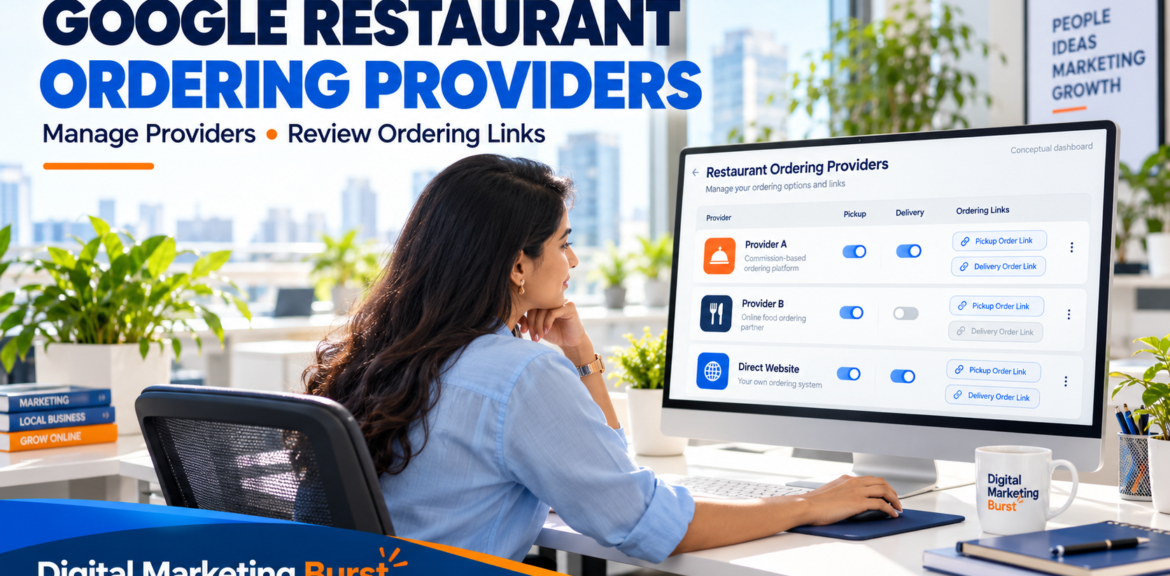

Google’s Restaurant Ordering Opt-Out: What It Means for Owners and Local SEO
Restaurant owners now have more direct control over which third-party ordering options appear on their Google Business Profile. Google’s announcement describes the ability to opt out of specific providers from the dashboard rather than relying only on requests to delivery platforms. 36 comments
If you manage Google restaurant ordering providers, the useful first step is to inspect the options attached to your restaurant and decide which ones should remain visible. Removing every ordering option is not necessarily the right response.
An outdated provider link may send customers to the wrong menu. A useful partner, meanwhile, may offer an ordering route that your customers prefer. The objective is to make the visible choices accurate and appropriate for your operations.
For Indian restaurant owners, there is another practical consideration: the controls and wording visible on your actual profile. Check the available settings rather than assuming that every account will look identical to a published screenshot.
This guide explains the new control, the difference between disabling and removing a provider, and how to review your ordering setup without mistaking a customer-experience change for a guaranteed ranking improvement.
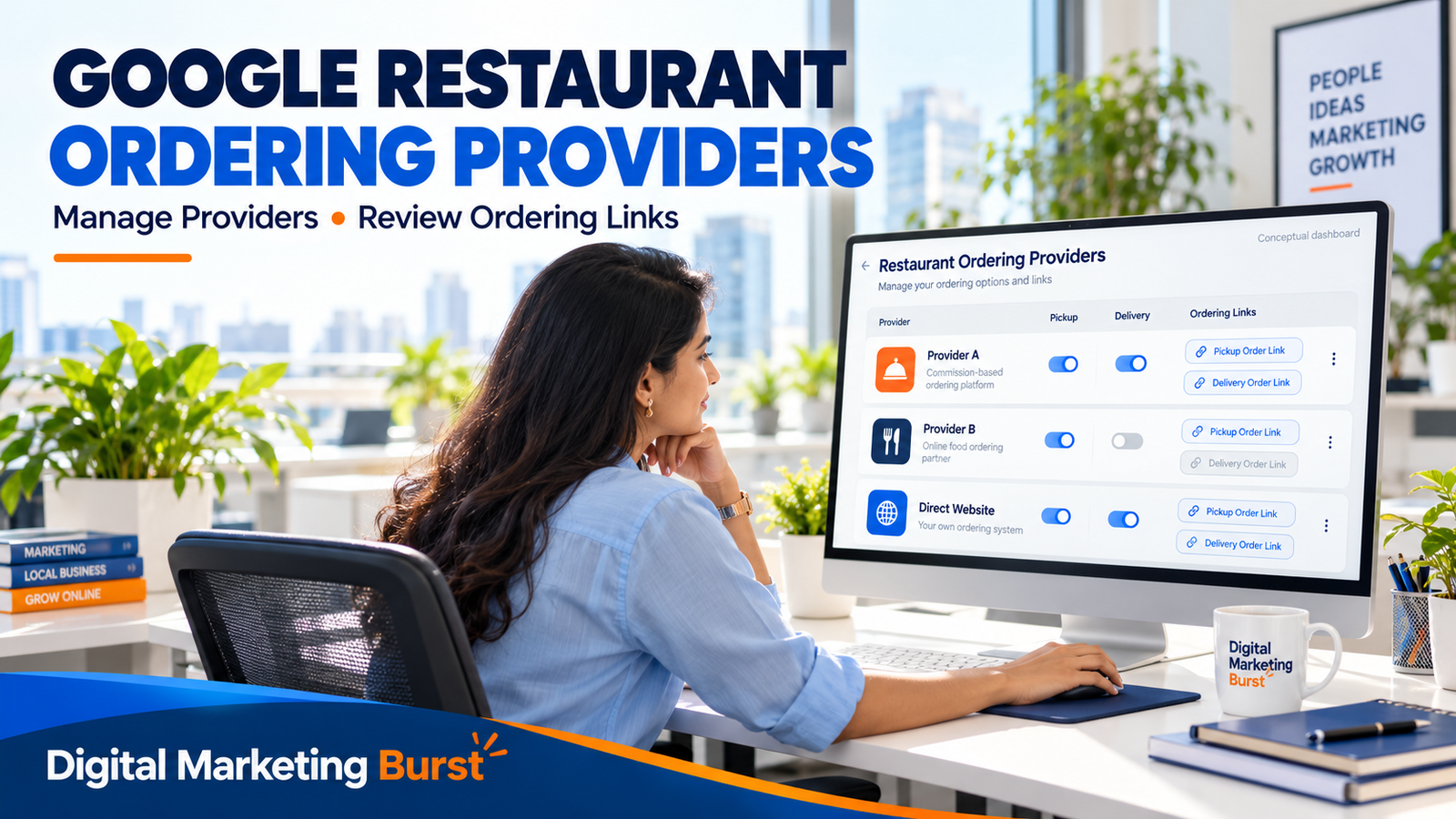
What Has Changed for Google Restaurant Ordering Providers?
Google’s Ordering Redirect Compliance Requirements, updated on 19 October 2026, state that merchants may enable or disable a partner integration through product controls. The policy also says integrations are enabled by default and that merchants may disable a partner at any time. developers.google.com
The practical change is control over an individual provider’s appearance. A restaurant can review a particular integration rather than treating online ordering as an all-or-nothing setting.
This is different from switching off ordering across the entire profile.
Why the distinction matters
Imagine a hypothetical restaurant in Lucknow with these ordering routes:
- Its own ordering website.
- A delivery partner it still uses.
- An older provider that no longer fits its operations.
The restaurant wants to stop displaying the older provider while preserving the other two routes.
A provider-specific control suits that objective. A profile-wide ordering switch could affect useful options as well.
This example is illustrative, not a claim about a particular restaurant or delivery platform.
The update concerns profile controls
Disabling an integration on Google should not be treated as proof that a separate commercial relationship has ended.
If you also want to discontinue a provider’s services, review your agreement and its account-closure process separately. Existing orders, settlements and contractual obligations require their own attention.
Use clear language internally:
“We are changing which ordering options appear on our Google profile.”
That instruction is more precise than:
“Remove this platform from everything.”
The second statement could trigger changes beyond what the owner intended.
Understand the Different Ordering Controls Before Editing
Several controls can appear related while serving different purposes.
| Action | Intended purpose | What to avoid assuming |
|---|---|---|
| Disable an individual provider integration | Stop using that provider integration on the Google profile | That the provider account or contract has been cancelled |
| Request removal through Remove link | Follow the documented link-removal process | That it is identical to the new direct control |
| Set a preferred provider or link | Indicate a preferred ordering route | That every other option will disappear |
| Turn off profile-wide ordering | Hide ordering options across the profile | That only one unwanted provider will be affected |
| Edit a custom ordering link | Correct a link the business manages | That a menu page and an ordering destination are interchangeable |
Before touching a setting, write down the result you want.
For example:
“Hide Provider A while keeping our own ordering link and Provider B available.”
This gives the person making the change a defined task.
Preferred does not mean exclusive
Google documents a preferred-provider setting for pickup and delivery. Selecting a preferred option is a different action from removing another provider. Google Business Profile Help
Use preference when the business wants to highlight a route while retaining other appropriate choices.
If an option is inaccurate or unwanted, merely selecting a different preferred link does not resolve the underlying issue.
The overall ordering switch has a wider effect
Google’s local-business-links guidance says turning off the profile’s ordering setting hides ordering options and links, including first-party and third-party links. Google Business Profile Help
That can be appropriate when a business does not want ordering routes displayed.
It is a poor substitute for a provider-specific decision when the restaurant still wants customers to order through other available channels.
How to Check Your Restaurant’s Current Ordering Setup
Start by recording what customers can see before making changes.
Search for the restaurant and inspect its public profile. Then compare that view with the profile-management controls.
Step 1: Confirm the correct restaurant location
For a multi-location business, check the branch name, address and profile.
Two outlets may have different delivery coverage, menus or provider relationships. A decision that suits one location may not suit another.
Keep the branch visible in your notes throughout the review.
Step 2: Open the ordering section
Google’s help documentation directs profile managers to the Food ordering section. Wording and presentation can vary across regions and interfaces. Google Business Profile Help
Use the controls available on your profile rather than following a screenshot mechanically.
If you cannot find the section, confirm that you are signed in with the account used to manage the correct business.
Step 3: Record every visible provider and link
Create a short inventory:
| Item | What to record |
|---|---|
| Provider or link | The name and destination |
| Restaurant location | The branch it serves |
| Ordering type | Pickup, delivery or another displayed option |
| Current relationship | Active, ended or needs confirmation |
| Destination accuracy | Correct branch and usable menu |
| Decision | Keep, investigate, prefer or disable |
| Approver | The person authorising the action |
Do not classify an unfamiliar provider as unauthorised solely because the marketing team does not recognise it.
Ask the restaurant owner or operations team to check the relationship first.
Step 4: Open the destinations as a customer
Follow each link without placing an unintended order.
Check whether it leads to:
- The correct restaurant.
- The correct branch.
- An appropriate ordering page.
- A current menu.
- A usable next step.
A link can be technically functional while still being unsuitable. For example, it may open the wrong outlet or a menu that the kitchen no longer fulfils.
Step 5: Save a baseline
Record the date and capture the relevant settings before editing.
A screenshot is useful for documenting what changed. It does not prove how every customer sees the profile, but it gives your team a reference if a question arises.
Keep customer details and unrelated account information out of shared screenshots.
How to Remove Google Ordering Providers Without Disabling Everything
The appropriate action depends on the control available in your dashboard and the outcome you need.
Do not combine the new direct opt-out and the older removal-request process into one guaranteed sequence.
Use the provider-specific control where available
Open the relevant provider’s management options and look for controls governing its customer-facing availability.
Before changing them:
- Confirm the provider and branch.
- Identify which ordering functions the controls affect.
- Preserve the other providers you want to keep.
- Apply the intended change.
- Recheck the public profile.
Google’s announcement confirms direct dashboard management of specific providers. Its developer policy independently confirms merchant control over individual integrations. 36 comments
The exact labels should be checked against your live profile. Do not promise a particular screen layout in staff instructions unless someone has verified it.
Use the documented removal request when appropriate
Google’s ordering help page separately describes:
Business Profile → Food ordering → select a provider or link → Remove link
That page gives providers five business days to process removal requests and provides an escalation route if a request is not processed. This concerns the documented request process; it should not be presented as the waiting period for every direct dashboard action. Google Business Profile Help
Keep a record of the date and requested change if you use this route.
Verify the result before declaring the task complete
After making a change, check the public profile and the ordering destinations you intended to retain.
Ask:
- Is the unwanted option still displayed?
- Are the useful options still accessible?
- Does the preferred link lead to the correct destination?
- Has anything else changed unexpectedly?
If the result differs from the instruction, investigate before making several additional edits.
Google Restaurant Ordering Settings for Pickup and Delivery
Pickup and delivery involve different operational requirements.
A restaurant may be able to fulfil collection orders through a channel while relying on another arrangement for delivery. The review should reflect those differences.
Google’s help documentation distinguishes preferred options for pickup and delivery. It also notes that an option cannot be managed for a service the provider does not offer. Google Business Profile Help
Review the service, not just the platform name
For every channel, ask the operations team:
- What can customers order?
- Which branch fulfils the order?
- Is pickup supported?
- Is delivery supported?
- Who handles customer queries?
- Are the published hours appropriate?
These questions can reveal problems that a simple provider list misses.
Avoid changing service availability by accident
A marketing manager might intend to change the preferred delivery route while inadvertently affecting pickup.
Use a written instruction identifying the service involved. For example:
“Review Provider A’s delivery option for the Hazratganj branch. Keep the approved pickup arrangement unchanged.”
This is a hypothetical instruction illustrating the level of precision needed.
When multiple people manage a profile, tell them what changed so that another team member does not reverse it while trying to resolve a different issue.
Google Business Ordering Links: Check the Destination, Not Just the Button
A link labelled “Order” should help customers place an order.
A general homepage, static menu image or branch-selection page may create extra work. Whether that is acceptable depends on the journey, but the destination should be intentional.
Test the link on a phone
Check whether a customer can:
- Identify the restaurant and branch.
- View the relevant ordering options.
- Understand availability.
- Select items.
- See applicable charges and conditions.
- Continue without encountering a broken step.
Do not assess the link only from the restaurant’s office computer. Mobile usability matters to the customer experience.
Distinguish a menu from an ordering page
A menu explains what the restaurant serves. An ordering page enables the transaction.
Both can be useful, but they have different roles.
If a link is intended for ordering, confirm that its destination provides a suitable ordering journey. Do not rename a non-functional page “Order Online” merely to make the profile look complete.
Check branch selection
For a restaurant group, a central ordering page may require customers to select an outlet.
Test whether this is clear and whether the selected branch matches the profile they came from.
An order sent to the wrong outlet can become an operational problem even when the initial click worked correctly.
Should You Keep Third-Party Providers or Prioritise Direct Orders?
There is no universal answer.
A direct ordering website gives a restaurant one customer journey to manage. A third-party provider may offer another route customers already use. The decision needs evidence from the restaurant’s operations and commercial arrangements.
Review each channel against:
- Fulfilment capability.
- Menu accuracy.
- Customer convenience.
- Support arrangements.
- Actual costs.
- Completed-order performance.
Do not remove a functioning option solely because direct orders sound preferable in principle.
A direct link needs a working operation behind it
Before making your own website the preferred route, confirm that someone monitors incoming orders and that the kitchen can fulfil them.
Check payment confirmation, order acceptance and customer-support arrangements.
A direct ordering button is not an improvement if customers pay but staff do not receive the order reliably.
Provider choice can be reviewed over time
A decision need not be permanent simply because it was made during an audit.
Keep a record of the reasoning and a review date. If the restaurant’s service, provider relationship or ordering system changes, revisit the profile.
The aim is a suitable ordering setup rather than the smallest possible provider list.
What This Update Means for Local SEO
Ordering-provider controls belong in local profile management because they affect the customer’s next action.
However, the official sources reviewed do not establish that disabling an ordering provider produces a ranking increase.
Google describes local results through factors including relevance, distance and prominence. Its guidance also encourages accurate, complete business information. Google Business Profile Help
Keep the distinction clear:
- Visibility: Whether customers discover the restaurant.
- Ordering experience: Whether they can use an appropriate route after finding it.
Improving the second does not prove a change in the first.
Measure the problem you intended to solve
If the problem was an outdated ordering destination, success begins with correcting that destination.
If the issue was the wrong branch receiving enquiries, review whether the corrected links reduce that confusion.
Do not label every operational improvement as a ranking win. Clear reporting helps the owner understand what the work actually achieved.
Audit Your Google Restaurant Ordering Providers Before Removing Them
An ordering-provider audit should help you decide which options are accurate, useful and operationally appropriate.
Do not remove a provider simply because the marketing team does not recognise its name. First confirm its relationship with the restaurant and check where the link sends customers.
For each option, record:
| Audit field | What to check |
|---|---|
| Provider name | Which company or ordering system is listed? |
| Branch | Does it represent the correct restaurant location? |
| Destination | Does the link open the correct outlet and menu? |
| Service | Does it support pickup, delivery or both? |
| Relationship | Is the arrangement current and approved? |
| Decision | Keep, correct, prefer, disable or investigate |
| Owner | Who approves and implements the change? |
This record prevents different managers from making conflicting edits.
Confirm the provider relationship
Ask the owner, operations manager or person managing delivery-platform accounts whether the integration is still required.
Google’s ordering-integration policy requires partners to have a direct contractual relationship with the merchants in their feed. It also addresses removing merchants when the relationship ends or removal is requested. developers.google.com
If the relationship is unclear, investigate before describing the provider as unauthorised.
Test the destination as a customer
Open each ordering link on a mobile phone.
Check whether you can identify the restaurant, select the correct branch, view the relevant menu and continue towards an order.
A link can open successfully while still creating a problem. For example, it might display another outlet or an unavailable menu.
Choose Between Correcting, Disabling and Removing
The right action depends on the problem.
| Situation | Practical response |
|---|---|
| Provider is valid, but the branch is wrong | Investigate and correct the destination |
| Provider is useful and accurate | Keep it |
| Restaurant wants to prioritise another route | Review the preferred-provider setting |
| Integration should no longer appear | Use the appropriate provider-specific control |
| Restaurant wants no ordering options displayed | Review the profile-wide ordering setting |
| Relationship is uncertain | Confirm the facts before editing |
Do not use the profile-wide switch to solve a single-provider problem unless you intend to hide the other ordering options too.
Keep the instruction specific
A useful change request might say:
“For the Hazratganj branch, disable the unwanted provider while keeping our website and approved delivery partner available.”
That is a hypothetical example. Its purpose is to show how an instruction can identify the branch, intended change and options to retain.
What If You Cannot Find the Ordering Controls?
Start by checking the account and business location.
Make sure you are signed in with the intended management account and viewing the correct branch. Then identify whether you are managing a food-ordering provider, a custom link or a different transaction type.
Google’s help documentation describes the Food ordering section and a Remove link process. Its developer policy separately confirms direct controls for individual integrations. These should not be treated as identical workflows. support.google.com
Document the screen you actually see
If your interface differs from an example:
- Note the available controls.
- Capture a screenshot without exposing unrelated account details.
- Check current official instructions.
- Ask an authorised colleague or support contact for clarification.
Avoid changing an unfamiliar setting simply to see what happens.
Do not create another profile as a workaround
A missing ordering control is a management issue to investigate. Creating a second profile for the same restaurant does not resolve the original integration and can introduce additional confusion.
What If the Provider Remains Visible?
First establish which action was taken.
You changed the preferred option
Preference is different from removal. Other providers may remain available after you choose a preferred route.
Check whether the intended task was to prioritise one option or stop displaying another.
You submitted a removal request
Google’s ordering help page gives providers five business days to process the documented removal request and provides an escalation route for unprocessed requests. That timeframe should not automatically be applied to a different direct-control action. support.google.com
Keep the request date and relevant confirmation.
You edited the wrong branch
Compare the address in the dashboard with the public profile you are checking.
Similar branch names can make it easy to edit one location and inspect another.
The restaurant still appears on the provider’s app
A Google profile control does not establish that the restaurant has been removed from another platform.
If you also intend to end that listing or commercial relationship, use the provider’s separate business process.
Check Pickup and Delivery Separately
A restaurant may support pickup through its own website while relying on a third party for delivery.
Review the customer journey for each service.
Pickup checks
Confirm that customers can understand:
- Which branch will prepare the order.
- Whether pickup is available.
- How the order is confirmed.
- Where collection takes place.
- How to obtain help.
Delivery checks
Review whether the journey explains availability, charges, order confirmation and support.
Do not assume that a working pickup link proves the delivery process works equally well.
Google’s documented preferred-provider settings distinguish pickup and delivery, reinforcing the need to review them separately. support.google.com
Test Your Direct-Ordering Website Before Prioritising It
A direct-ordering link needs a functioning operation behind it.
Before making your website the preferred route, establish:
- Who receives incoming orders.
- How payment and acceptance are confirmed.
- What happens when an item is unavailable.
- How pickup or delivery is arranged.
- Who handles customer problems.
A website is not a better destination merely because the restaurant owns it.
Arrange a controlled test
Where necessary, organise an authorised test with the restaurant team.
Check the complete process, including order receipt and confirmation. Plan the test so that it does not create an unintended payment or fulfilment problem.
Record failures clearly and assign someone to fix them before directing more customers into that journey.
Compare Providers Using Actual Business Information
Order volume alone does not establish whether a channel suits the restaurant.
Review completed orders alongside relevant costs, cancellations, refunds and operational demands.
| Area | Question to answer |
|---|---|
| Completed orders | How many orders were fulfilled? |
| Charges | What deductions and service costs apply? |
| Promotions | Who funded the discount? |
| Adjustments | What refunds or cancellations occurred? |
| Operations | What staff time and packaging were required? |
| Customer experience | Which complaints or questions recur? |
Use the restaurant’s own records. Do not assume a particular provider is expensive or unsuitable without checking.
Do not assume orders will transfer to your website
Customers may choose another route, postpone the purchase or select another restaurant.
Removing a provider can still be appropriate, but order migration should be measured rather than promised.
Manage Each Restaurant Branch Individually
For restaurant groups, maintain a branch-level register.
Record the profile address, provider, pickup and delivery status, destination URL, approved action and review date.
Central management can approve commercial decisions while branch teams verify the actual menu and fulfilment arrangements.
Verify automation before planning it
The sources reviewed for this article do not establish a confirmed bulk or API workflow for the new direct opt-out control.
Check current documentation before asking a developer to automate changes across locations.
Verify the Customer View Before Closing the Task
After an approved change, check:
- The correct provider was affected.
- Useful alternatives remain available.
- Retained links lead to the intended destinations.
- Restaurant staff know what changed.
- The action and approval are documented.
Keep unresolved issues assigned to an owner.
Measure the Result of an Ordering-Provider Change
A change to your Google restaurant ordering providers should be assessed against the problem you intended to solve.
If the objective was to stop displaying an outdated provider, first verify that the unwanted option is no longer shown and the approved alternatives remain usable.
That is different from proving that the restaurant gained orders or improved its search position.
Separate the review into three areas:
| Review area | What to check |
|---|---|
| Implementation | Did the intended profile change take effect? |
| Customer experience | Can customers follow the approved ordering routes? |
| Business performance | What happened to fulfilled orders, costs and customer problems? |
This structure prevents one successful edit from being described as a result it has not established.
Record a baseline before making further changes
Keep a dated record of the settings, visible links and destination pages.
For business performance, use the information the restaurant can reliably obtain. This may include completed orders, cancellations, refunds and recurring support issues.
Compare equivalent periods where possible. A quiet weekday and a festival weekend are not directly comparable.
Also record other changes, such as:
- Menu-price revisions.
- New promotions.
- Changes in opening hours.
- Temporary delivery restrictions.
- Staffing interruptions.
- Changes to the restaurant’s own ordering system.
These factors can affect performance independently of the Google profile edit.
Distinguish order attempts from fulfilled orders
An ordering-link click shows interest. It does not establish that a customer paid, the restaurant accepted the order or the food was delivered.
A useful reporting sequence is:
Link interaction → ordering attempt → accepted order → fulfilled order → retained value after relevant adjustments
Your systems may not measure every stage. Identify the gaps rather than filling them with assumptions.
For example:
“We can measure visits to our ordering website, but we cannot reliably identify which provider orders began from our Google profile.”
That is an honest reporting limitation.
Can You Track Orders from Google Business Ordering Links?
The answer depends on the destination and measurement tools you control.
For your own ordering website, ask the analytics or development team whether referral information and approved tracking parameters are preserved through the journey.
Do not add parameters blindly. Confirm that they do not interfere with branch selection, payments or the link’s requirements.
Test the complete path
A controlled check should establish whether:
- The profile link opens the intended destination.
- Any approved tracking information survives the redirect.
- The ordering system recognises the correct branch.
- The relevant website interaction is recorded.
- A completed order can be reconciled appropriately.
If the restaurant uses a separate ordering domain, the measurement setup may need a specialist review.
Avoid counting one transaction more than once because it appears in multiple tools.
Keep third-party reporting separate
A delivery provider’s overall order report may include customers who discovered the restaurant in several ways.
Unless the report identifies Google-origin activity reliably, do not attribute all of those orders to the Business Profile.
Similarly, a decrease in provider sales after disabling a link does not prove every lost order moved to the restaurant’s own website.
Review the available evidence and describe what remains uncertain.
Add a measurement plan to your SEO monthly report
Your SEO monthly report can include a short operational update:
- What was changed.
- Why the change was approved.
- What the public profile now shows.
- Whether the retained ordering journeys work.
- What business information is available.
- Which issue needs attention next.
The update does not need a large dashboard. It needs enough information to support a decision.
Does Removing an Ordering Provider Improve Local Rankings?
Do not present provider removal as a ranking tactic.
The official material reviewed for this article does not establish a ranking benefit from disabling an ordering partner. Google’s local-ranking guidance discusses factors such as relevance, distance and prominence. support.google.com
A provider audit serves a different purpose: helping customers use appropriate ordering options after finding the restaurant.
Keep visibility and conversion work connected
A restaurant needs accurate information that helps people find and evaluate it. It also needs a functioning next step.
An outdated link can create a poor ordering experience even when the restaurant appears prominently in search. Conversely, correcting that link does not demonstrate that its ranking changed.
Report each outcome accurately.
For example:
“We corrected an ordering link that led to the wrong branch.”
Avoid turning that into:
“We improved Google rankings by removing the provider.”
The second statement needs separate evidence.
Maintain the rest of the profile
Ordering controls should be one part of Google Business Profile optimisation.
Continue reviewing the information customers use to decide whether to visit or order:
- Restaurant name and location.
- Opening and special hours.
- Contact details.
- Relevant categories.
- Menu information.
- Photographs representing the business accurately.
An ordering-provider review should not distract from an incorrect address or outdated opening hours.
Make Provider Reviews Part of Restaurant Operations
A one-time audit can become outdated when the restaurant changes.
Use operational events to trigger a review rather than relying only on an annual reminder.
| Event | What to inspect |
|---|---|
| A provider relationship begins or ends | Whether the integration matches the approved arrangement |
| A branch opens, moves or closes | Profile identity, branch destinations and ordering availability |
| The restaurant changes ordering systems | Links, redirects, payment flow and measurement |
| Pickup or delivery arrangements change | The services represented by each route |
| A customer reports a wrong destination | The specific link and branch involved |
| The menu changes substantially | Whether ordering destinations reflect the current offer |
Assign responsibility for the review.
A marketing team can identify the link problem, but operations may need to confirm what the kitchen can fulfil.
Establish who approves changes
For a small restaurant, the owner may approve every provider decision.
A larger business can use a simple responsibility structure:
| Role | Responsibility |
|---|---|
| Business owner or authorised decision-maker | Approves provider choices |
| Operations team | Confirms fulfilment capability |
| Profile manager | Implements approved settings |
| Website or ordering-system team | Maintains the destination journey |
| Reporting owner | Records results and limitations |
One person may hold several roles. The important requirement is clear responsibility.
Review access when responsibilities change
If an employee or agency stops managing the profile, review their account access through the appropriate management process.
Keep a record of who is authorised to make provider changes.
The restaurant should not need to reconstruct its ordering setup whenever a team member leaves.
A Practical Decision Framework for Restaurant Owners
Before disabling a provider, work through these questions:
Is the information accurate?
Check the restaurant, branch, menu and destination.
If the provider is appropriate but the information is wrong, investigate correction first.
Is the relationship confirmed?
Ask the authorised person responsible for the agreement.
An unfamiliar provider is a reason to investigate, not proof that the relationship is invalid.
Can the restaurant fulfil the represented service?
Confirm pickup, delivery, ordering hours and the applicable menu with operations.
Do not keep an option solely because it looks useful on the profile.
Is an alternative ready?
If you intend customers to use your own website, test it before changing preference or removing another route.
Check order receipt, payment confirmation and customer support.
How will the outcome be reviewed?
Write down the expected result and review method.
For example:
“The change is intended to stop customers reaching an outdated outlet page. We will verify the public link and review related customer complaints.”
This provides a concrete reason for the action without promising an increase in revenue.
Frequently Asked Questions
Can I disable one provider while retaining other ordering options?
Google’s current integration policy confirms merchant control over individual partner integrations. Use the provider-specific controls available to your profile and verify that the retained options still work. developers.google.com
Is disabling a provider the same as cancelling its contract?
No. Treat profile visibility and the commercial relationship as separate matters. Follow the provider’s business process if you also intend to discontinue its services.
Will turning off ordering hide my own ordering link?
Google’s local-business-links guidance says the overall ordering switch hides the ordering options and links on the profile, including first-party and third-party links. Use a more specific control when you intend to affect only one provider. support.google.com
Should I remove a working provider because its prices differ from my website?
Investigate the reason before deciding. Check the actual pricing arrangements, applicable charges, promotions and business agreement. A difference alone does not establish which channel should be removed.
Can I manage every branch through a bulk edit?
Do not assume so. The sources reviewed for this article do not establish a confirmed bulk or API workflow for the new direct opt-out control. Verify current documentation before planning automation.
Does this remove the restaurant from the provider’s own app?
Do not treat a Google profile setting as removal from another platform. Check the provider’s account and listing separately.
Can a restaurant agency make these changes?
An appropriately authorised manager can review the controls available to the profile. The restaurant should approve provider decisions, particularly where they affect commercial or operational arrangements.
What should I do if a removed option returns?
Check the branch, provider, action taken and current public result. Preserve the change record and investigate through the relevant support process rather than repeatedly editing unrelated settings.
Why Choose Digital Marketing Burst for Restaurant Local SEO?
For restaurant owners searching for the best digital marketing agency in Lucknow, a useful starting point is whether the agency understands the complete customer journey—from finding your restaurant to placing an order.
Digital Marketing Burst offers SEO, Google Business Profile management, website development and analytics services. For restaurants, these services can support accurate business information, clearer ordering destinations and a more usable website.
Google Business Profile Support for Restaurants
A restaurant Google Business Profile audit should check more than photographs and opening hours. It should also review ordering links, branch accuracy and the options customers encounter.
Digital Marketing Burst can help restaurant owners review their profiles and implement approved changes. Decisions about retaining or disabling an ordering provider should remain with the restaurant’s authorised team.
Restaurant Website and Direct-Ordering Reviews
Businesses looking for restaurant local SEO services in Lucknow also need a working destination after the search click.
A practical review can examine mobile usability, menu information, ordering buttons and branch selection. Before prioritising a direct-ordering link, the restaurant should confirm that payments, order receipt and customer support work correctly.
Reporting That Explains the Work
A digital marketing strategy for Indian restaurants should distinguish profile visibility, website visits and completed orders.
Digital Marketing Burst can help organise reporting around the information available, making clear what was changed and what still needs investigation.
Want to review your restaurant’s Google profile and ordering journey? Contact Digital Marketing Burst to discuss your website, locations and marketing requirements.
Editorial note: “Best digital marketing agency” is used as a customer search phrase. Claiming the company is India’s top or best agency as an established fact requires independent evidence.
Conclusion: Use More Control to Create Better Ordering Choices
Managing Google restaurant ordering providers is about making the restaurant’s visible ordering options accurate and appropriate.
Review each provider, confirm its relationship with the business and test the destination. Use a provider-specific control when that is the intended change, and distinguish it from preference settings or switching off ordering across the whole profile.
For Indian restaurant owners, the best next step is to inspect the actual profile and document the available controls. Keep operations involved, verify the customer journey and measure results without assigning unsupported ranking or revenue gains to the edit.